

Amazon PPC budget planning fails when the number stays flat all year. A fixed budget can squeeze your best campaigns in Q4, then drain cash in a slow January as conversion rates decline. Seasonal PPC budgeting isn’t about spending more when things get busy. It is about putting your Amazon advertising budget where demand, margin, inventory, and campaign performance line up.
Why a Fixed Budget Breaks Down
A fixed budget fails in both directions. When demand rises, your best campaigns run out of budget by midday, so high-intent shoppers arrive after your ads stop and competitors win those orders. When demand drops, you keep spending at the same pace on weaker traffic, and ACoS climbs unnoticed. The problem is treating the budget as a one-time number instead of a decision in response to changing conditions.
Understand Your Seasonal Demand First
Seasonal demand starts with the calendar, but it should not end there. Prime Day, Black Friday, Cyber Monday, and Q4 gifting affect most categories, while others have their own cycles, like heaters in autumn or fitness gear in January. Don’t assume your products follow the general retail curve. Instead, pull 12 to 24 months of your own data, including weekly sessions, conversion rate, CPC, ad spend, and sales. It will show when demand builds, peaks, and drops for your products.
Build Your Seasonal PPC Budget In Five Steps
Strong PPC management starts with a plan, not a bigger budget. Here is how to build one.
- Review historical performance: Check weekly ad spend, ad sales, ACoS, TACoS, and conversion rate. TACoS shows whether ads drive real growth or just capture sales you would have made anyway.
- Forecast demand: Last year’s sales are only a starting point. Adjust for new products, price changes, review growth, and competitor activity.
- Set profit guardrails: Calculate your break-even ACoS from your margins, then decide how much margin you will invest in growth. This tells you when spending stops making sense.
- Check inventory: Work out days of cover for every product you plan to push. Spending heavily on an item that stocks out in three weeks wastes money and can damage its ranking.
- Allocate across campaigns: Split the budget between brand defense, proven manual campaigns, auto or discovery campaigns, and testing, based on what each has earned.
A Hypothetical Example:
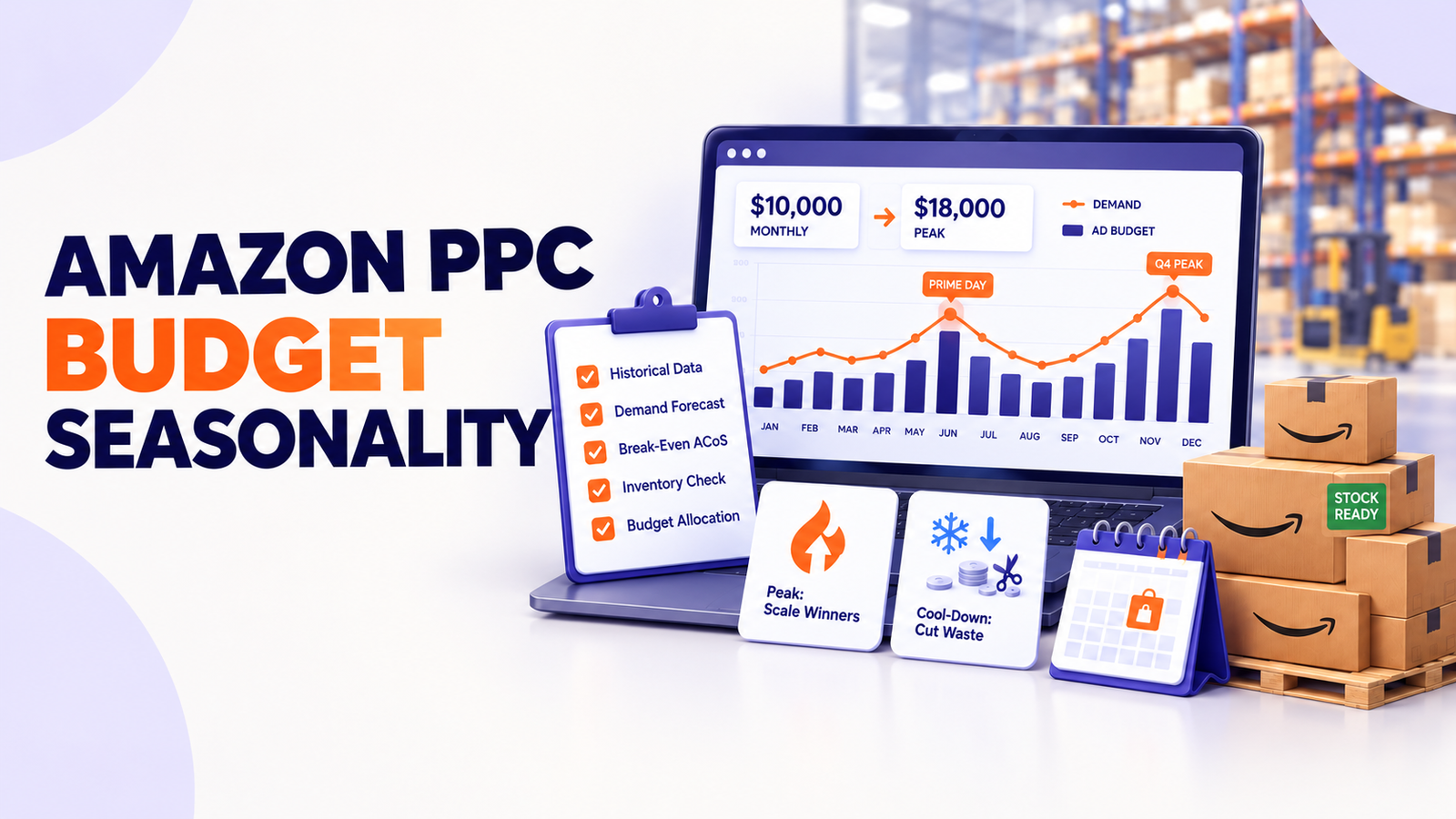
A seller spends $10,000 a month on ads, split across brand defense ($3,000), proven manual campaigns ($5,000), and auto/discovery campaigns ($2,000). Demand roughly doubles in Q4, so they plan an $18,000 peak month. They don’t scale every line equally. Brand defense rises slightly to $3,500, proven manual campaigns jump to $12,000, and auto/discovery goes to $2,500. A product with three weeks of stock gets a lower ceiling. Budget follows performance and inventory, not a flat increase.
Scaling Spend During Peak Period
More traffic doesn’t mean profitable growth. Give budget only to campaigns that convert below your break-even ACoS, win on high-intent searches, and run out of budget early in the day. Raise budgets before the event starts, increase steps, and check results daily. Review any budget rules often so they don’t push spending into unprofitable territory. If CPC rises faster than the conversion rate, spend is getting less efficient.
Managing Budget During Cool-Down Period
When demand drops, don’t cut everything. Start with waste: review search term reports, add negative keywords for terms that spend without converting, lower bids on weak targets, and pause targeting that has stopped performing. Protect your profitable campaigns and brand terms, since cutting them can reduce sales and weaken the momentum supporting your organic rank. Slow periods are a good time to run controlled tests on new keywords and ad structures, so you enter the next peak with better data.
Monitor and Adjust, Do Not Set and Forget
A seasonal Amazon PPC budget is a forecast, so check it against actual results regularly: weekly in normal periods and daily during events. Track spend pace, ACoS, TACoS, conversion rate, CPC, budget-capped campaigns, and inventory cover. Then act on the data. Raise budgets on profitable campaigns that keep running out of budget. Cut spend where ACoS stays above break-even for several days with no conversion improvement. Shift budget toward campaigns that consistently outperform others with the same goal.
Common Seasonal PPC Budgeting Mistakes
- Raising every budget without checking profitability
- Overlooking inventory until a product stocks out mid-promotion
- Reacting slowly when demand shifts
- Cutting slow-season spend without weighing the impact on rank and future sales
- Relying only on last year’s numbers without adjusting for what has changed
Frequently Asked Questions
How far ahead should I plan my seasonal Amazon PPC budget?
Plan at least several weeks before a major event, so you have time to check inventory, forecast demand, and increase budgets ahead of the traffic. For Q4, many sellers start planning well before the season begins.
What ACoS should I aim for in peak season?
It depends on your margins, goals, and whether you are prioritizing growth or profit. Start by calculating your break-even ACoS, then decide how much of your margin you are willing to invest.
Is it a good idea to launch a new product during a peak season?
It can work, but it is harder. CPCs are often higher, competition is heavier, and a new listing has no reviews or sales history to convert with. Many sellers launch earlier so the product has data and reviews before the busy period, then scale it once it shows it can convert.
Is Your PPC Budget Ready For Your Next Peak?
Peak season doesn’t wait for you to get your budget right. AMZOS reviews your current PPC spend, finds budget leaks, and builds a seasonal plan around your margins and inventory. Get your free Amazon account audit today and head into your next peak with a clear plan.