

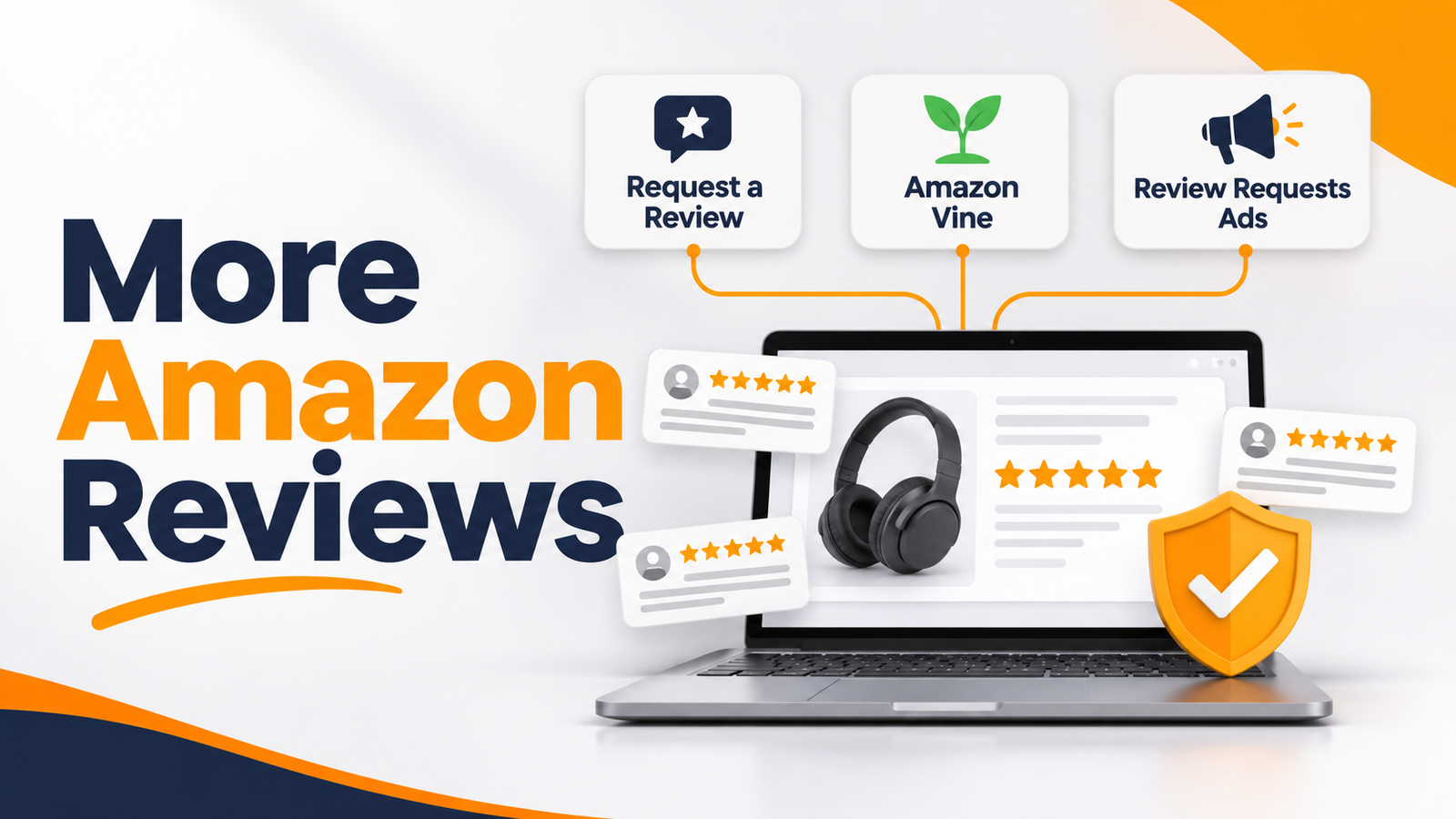
Getting more Amazon reviews without breaking the rules is still a challenge for most private-label sellers. Many satisfied customers never leave a review, and shortcuts risk removal and account enforcement, so sellers need a systematic, policy-compliant approach to consistently earning authentic Amazon product reviews.
Why Amazon Reviews Matter
Private-label sellers depend on reviews to build buyer trust, especially when competing against established brands. Reviews help shoppers judge product quality, Amazon listing accuracy, and value, and they can also highlight recurring issues such as packaging, sizing, or unclear instructions.
Which Amazon Tools Can Help You Get Reviews
Amazon offers several official ways to encourage authentic product reviews. The right option depends on the product’s launch stage, review coverage, marketplace, and advertising eligibility.
1. Use Amazon Request a Review
Request a Review is Amazon’s standardized way to ask an eligible customer for product feedback and seller feedback. Because Amazon controls the request, it is the safest starting point for most orders. You don’t have to send these one at a time either: Seller Central lets you automate Request a Review so it goes out for every eligible order without manual follow-up, which is what makes it realistic to use at full catalog scale rather than on a handful of orders you remember to check.
2. Consider Amazon Vine for New Products
Amazon Vine helps eligible new products receive early, credible reviews from invited Vine Voices. Sellers provide product units, and reviewers share independent opinions, positive or negative.
3. Amazon Review Requests Ads: What Sellers Should Know
Amazon Review Requests Ads are a paid advertising campaign format launched in open beta in the United States in late October 2026. They allow sellers and vendors to prompt recent verified buyers to rate or review their products directly inside the Amazon shopping experience.
How It Compares and What to Check First
Here’s how the three compliant options compare:
| Tool | Cost | Eligibility | Best For | Limit |
| Request a Review | Free | Any order, 5 to 30 days after delivery | Every order, every stage | One request per order |
| Amazon Vine | $0 to $200 per parent ASIN | Professional account, Brand Registry role, FBA offer, under 30 reviews | New launches with no reviews | Up to 30 units |
| Review Requests Ads | Ad spend (bids and budget) | US open beta, Ads account in good standing, under 1,000 ratings and reviews | Steady sellers building review volume | Pauses at 1,000 ratings and reviews |
With review requests, you pay for ad placement, not the review, so review policies still apply in full. Calculate the ad cost against your margins and confirm buyers are satisfied before scaling it, since more reviews on a weak product means more negative ones.
Earn Better Reviews Through the Customer Experience
Review tools raise how many buyers leave feedback. What they say depends on the product. Keep images and copy accurate, strengthen your Amazon supply chain with consistent supplier quality, include clear instructions, and use packaging that prevents damage. Fix recurring return reasons at the source. Improve satisfaction through the product, never by steering review sentiment.
Build a Repeatable Amazon Review Process
Treat review generation as routine, not a one-off push. Use Request a Review on every eligible order, check each ASIN’s rating and review count monthly, and flag products with thin coverage. Match the tool to the product’s stage using the table above. You don’t need every option, and none guarantees a set number of reviews, so track how review volume and sentiment change after each step.
Common Mistakes That Put Sellers at Risk
Most damaging mistakes come from chasing results artificially:
- Buying reviews or using services that guarantee ratings.
- Offering refunds, discounts, gift cards, or free products for reviews.
- Asking only for positive feedback or suppressing negative reviews.
- Putting incentives or positive-review requests in package inserts.
- Ignoring negative feedback instead of fixing the product, listing, or fulfillment.
Frequently Asked Questions
Can I reply publicly to a negative review?
Sellers generally can’t post public replies to customer reviews. Treat negative reviews as product feedback instead. Look for repeated complaints and fix the cause in your listing, product, or packaging, rather than the review itself.
Do star ratings without written text still count?
Yes. A star rating without text still counts toward your product’s average. Review requests specifically invite a one-tap rating, with a written review, photos, or video as optional extras, so ratings may accumulate faster than written reviews.
Can I use review management tools?
Yes, if they use Amazon’s official Request a Review interface and don’t send custom messages. Tools that monitor reviews, track ratings, or alert you to new feedback are generally fine. Avoid anything promising reviews or filtering who gets asked.
Ready to Build Amazon Reviews Without Risking Your Account?
Launching a private-label product or struggling to grow reviews safely? AMZOS helps brands to plan launches, optimize listings, and stay compliant with Amazon policies. Get a free Amazon account audit and a clear look at your next steps.