

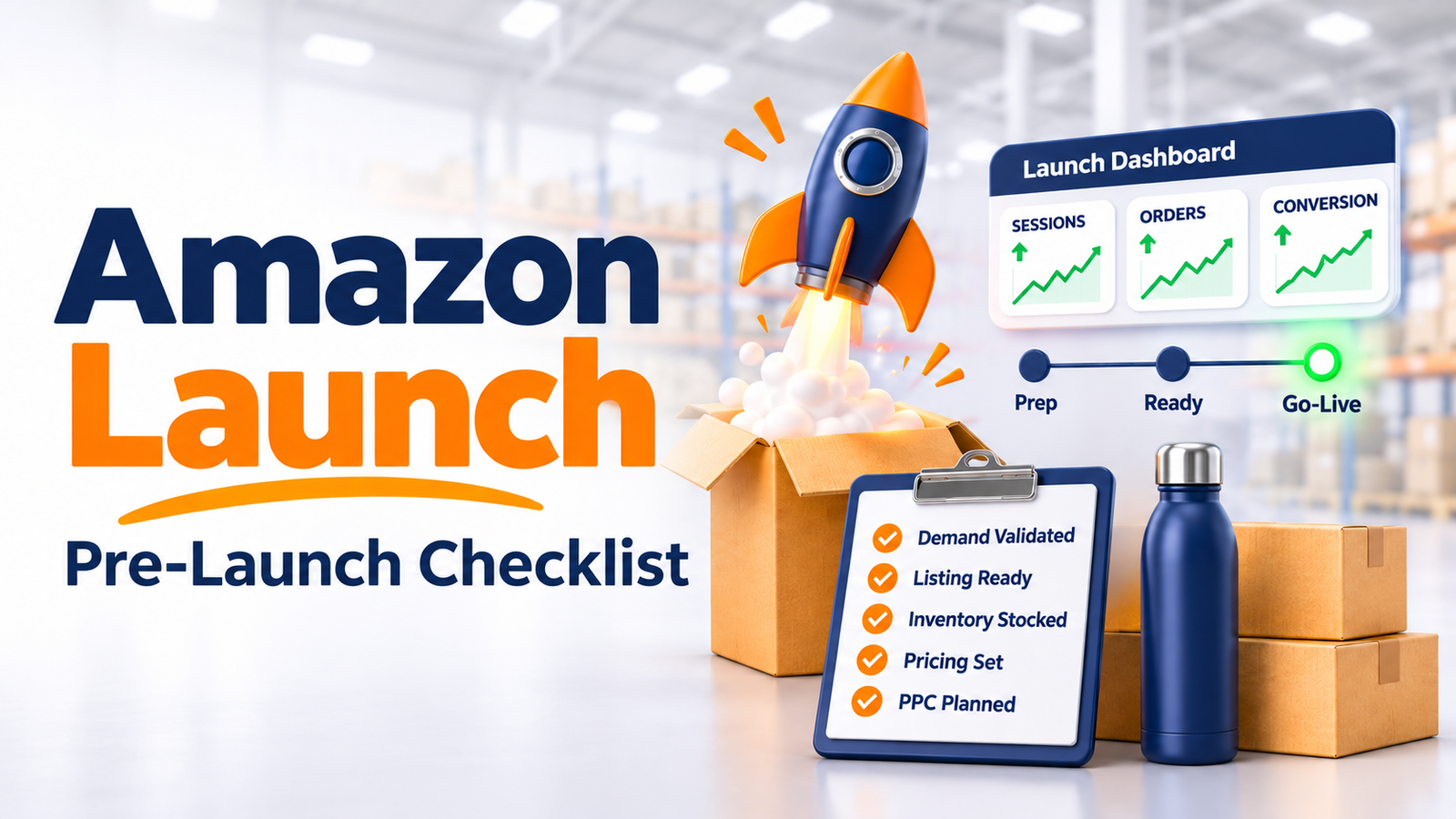
An Amazon product launch takes more than a finished listing and a few PPC campaigns. Most launches stall because something was left unready before go-live, whether that’s the product, price, stock, or ads. Here’s what to check first and which mistakes to avoid before you spend on ads.
Amazon Pre-Launch Checklist Sellers Should Finish First
Work through these areas before you spend on inventory or ads. Each one affects how your launch performs.
1. Validate Demand and Competition
Sales estimates show a market exists, not that you can win it. Study competitors: read their reviews, especially three-star ones, and check pricing and page-one crowding. Then decide what makes your product different, such as better materials, a bundle, or clearer positioning. Finally, confirm the margins work at a realistic price.
2. Prepare the Product and Supply Chain
Traffic to a flawed product only speeds up bad reviews. Test samples, compare them with top competitors, and make sure packaging survives transit and meets Amazon’s requirements. Agree on timelines and quality checks with your supplier in writing, consider a pre-shipment inspection, and build a buffer into your plan, since supplier delays push launches back.
3. Complete and Optimize the Listing
Amazon listing optimization starts before launch. Your listing converts the traffic you pay for, so make sure it includes a clear title, benefit-led bullets, A+ content if eligible, strong images, and relevant backend terms. Keep every claim accurate, since overstated benefits cause returns, and show differentiation, or you’ll compete on price alone.
4. Confirm Inventory and Fulfillment Readiness
Product launch inventory planning has no universal quantity. Stock levels depend on your demand forecast, supplier lead time, budget, and replenishment speed. Account for production time, transit, and Amazon’s variable check-in time for inbound shipments. Running out early means paying for ads that can’t convert and losing launch momentum. Ad spend without enough sellable inventory is a planning failure, not bad luck.
5. Set Pricing and Profitability
Calculate your numbers before launch. Subtract product cost, Amazon referral fees, fulfillment costs, and planned discounts from your selling price. The remainder is your contribution margin, which caps your advertising spend. If you launch with a discount or coupon, link it to a clear goal, like early sales velocity, and set an end date. Copying a competitor’s price without knowing their costs can lose money.
6. Build a PPC Strategy Before Go-Live
Plan your Amazon PPC strategy before launch, so day one isn’t improvisation. Start with Sponsored Products and set up two campaign types: automatic campaigns to discover search terms and manual campaigns (keyword and product targeting) for deliberate control. Split your budget between the two, and set bids based on your margin. Once data comes in, review your search terms regularly, move the winning ones into manual campaigns, and add negative keywords to block irrelevant traffic.
7. Check Account, Brand, and Compliance Requirements
Before inventory ships, confirm your product is eligible for its category and doesn’t need approval. If you qualify, set up a brand registry, which unlocks Amazon A+ Content and brand analytics. Review Amazon’s current policies, including labeling and safety rules. For reviews, use only eligible Amazon programs and check Seller Central for current rules. Incentivized reviews, review swaps, and similar tactics violate policy and can put your whole account at risk.
Common Amazon Launch Mistakes
Most of these come from skipping a step above, but a few are worth naming on their own.
- Launching on volume alone: High search volume without differentiation means costly clicks and low conversion. Know why a shopper would choose you before you order stock.
- Skipping compliance and IP checks: A trademark conflict or a missed category requirement can get a listing removed after you’ve already paid for inventory. Check both before you order.
- Pricing without the full cost picture: If fees, returns, and ad spend per unit aren’t counted, you can’t tell whether you’re building a business or losing money on every sale.
- Changing too many things at once: If you edit the title, images, and price in the same week, you can’t tell which change affected results. Change one thing at a time and give it enough data.
- Not tracking campaign data: Check your search term reports, conversion rates, and stock levels weekly, then make changes based on the results.
- Copying competitors blindly: Established brands can bid aggressively or price low because of reviews and volume you don’t have yet. Build your plan around your own numbers.
Frequently Asked Questions
Should I launch with FBA or FBM?
Many private-label sellers choose FBA. Prime eligibility tends to help conversion, and Amazon handles storage, shipping, customer service, and returns. FBM can work better for bulky, slow-moving, or low-margin products where FBA fees and storage costs add up. Decide based on product size, margins, and whether you can ship reliably.
How long should I run launch campaigns before judging results?
There’s no universal timeline. Wait until you have enough impressions and clicks for the data to mean something, which depends on your category, search volume, and budget. One slow or strong day rarely means anything, so set a review schedule before launch and judge trends.
Do I need a trademark before I launch?
Not to start selling. You need one for brand registry. Amazon accepts an active or pending trademark from a supported trademark office, and the text must match your brand name. File early to enroll while approval is pending.
Need Help Coordinating Your Amazon Launch?
Your product, listing, inventory, pricing, and PPC all have to line up, and that’s where most launches slip. Get a free Amazon account audit from AMZOS and see what’s ready, what isn’t, and what to fix first.